








Text to Image
Words in, picture out
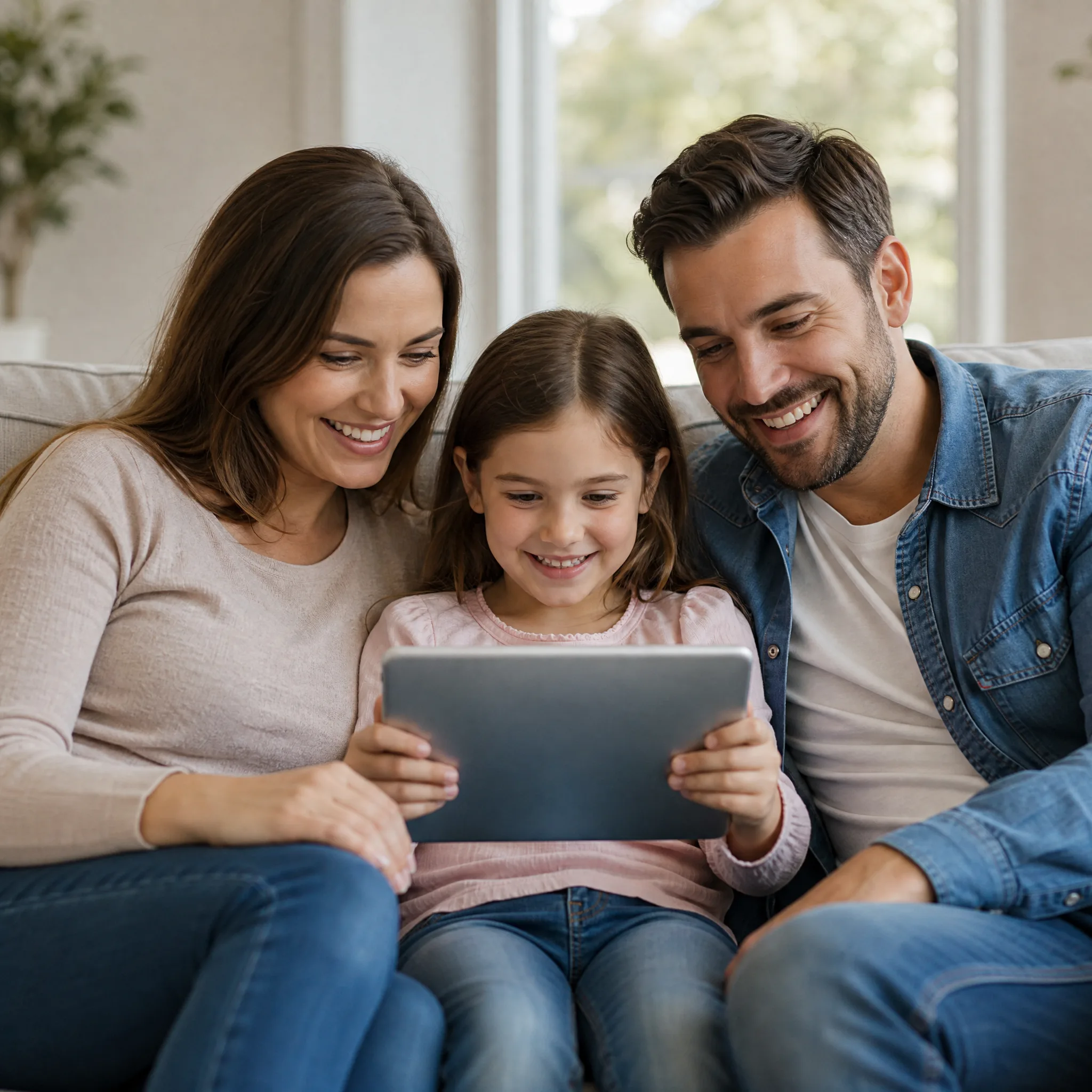
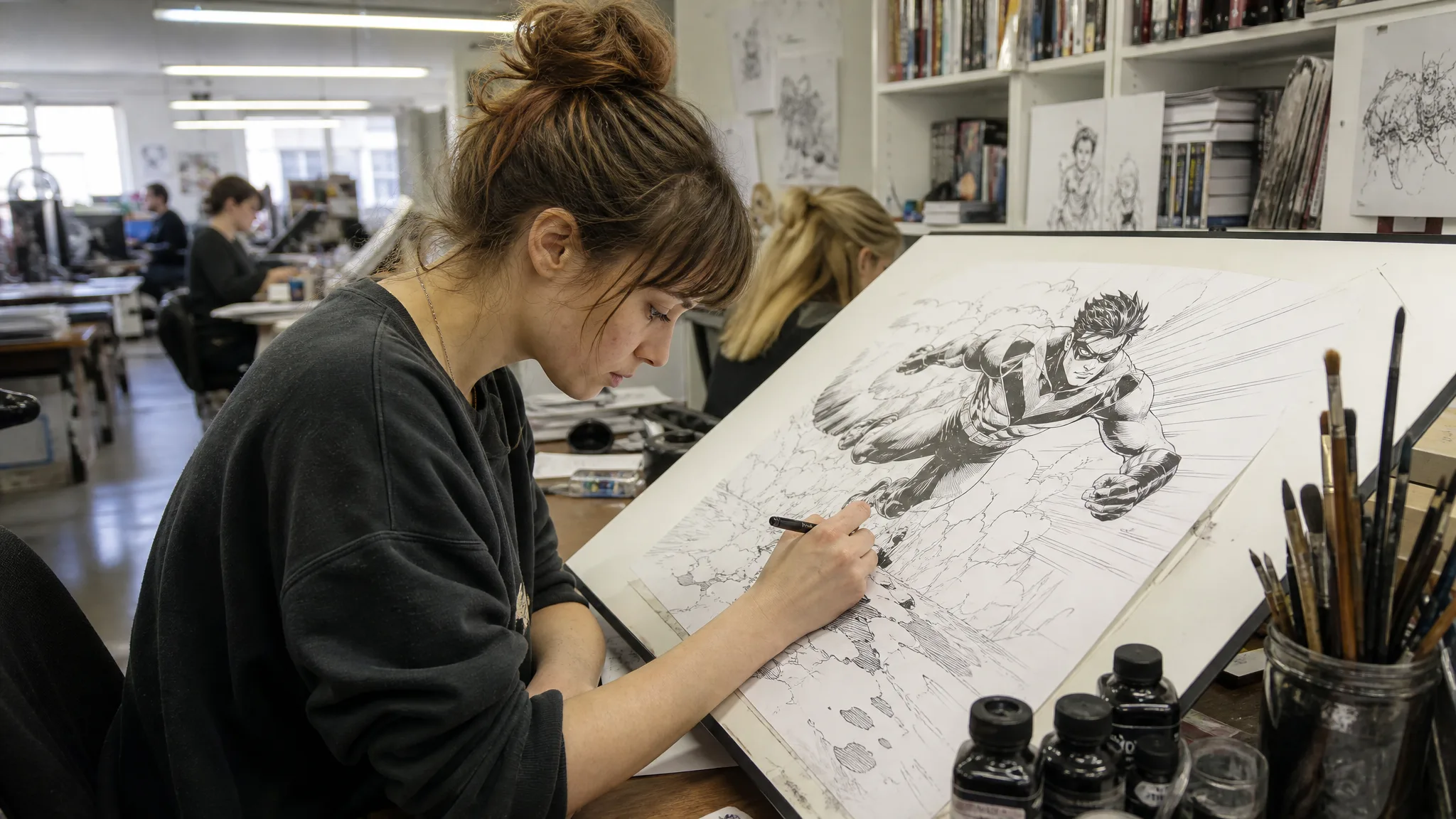
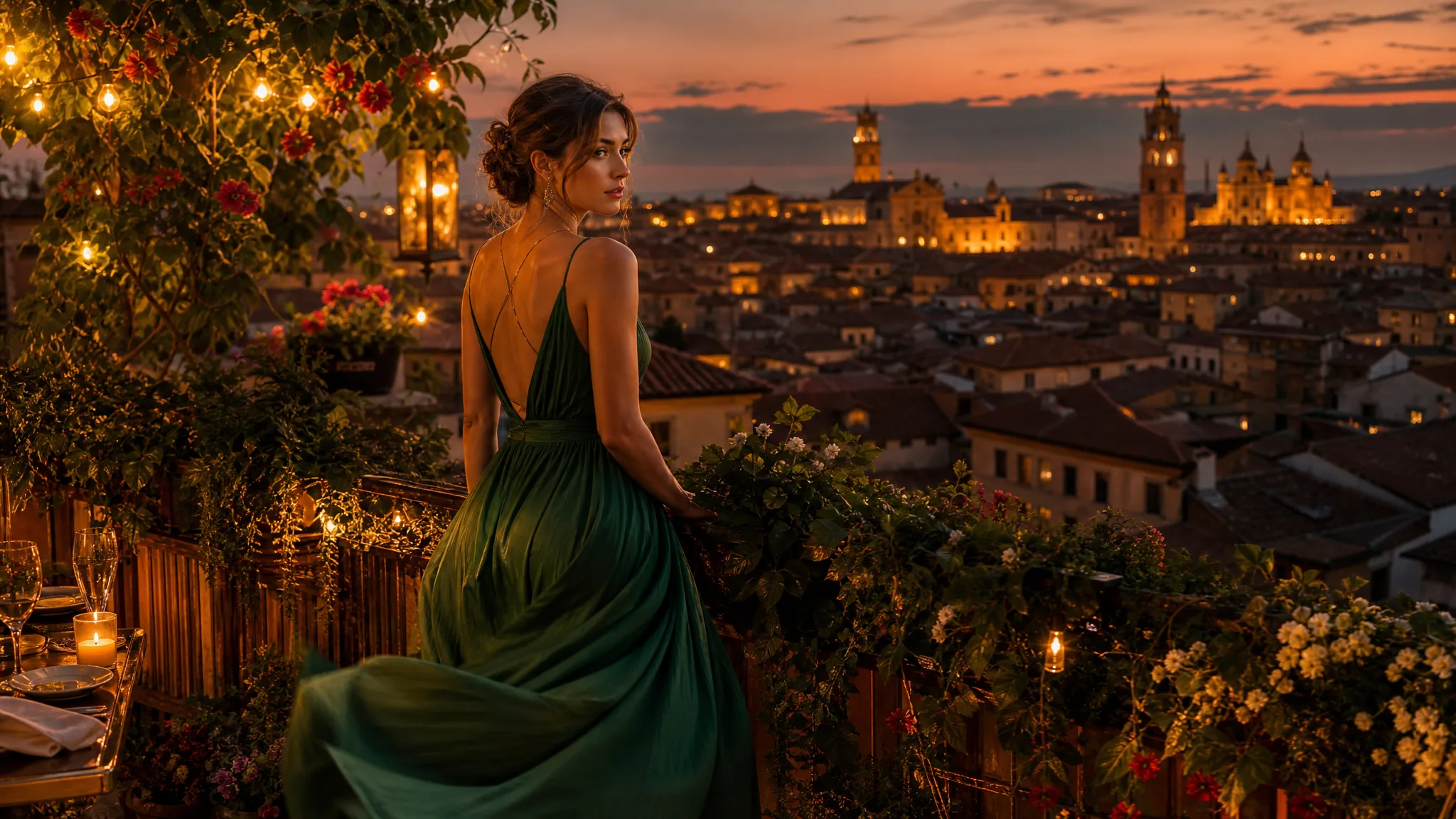
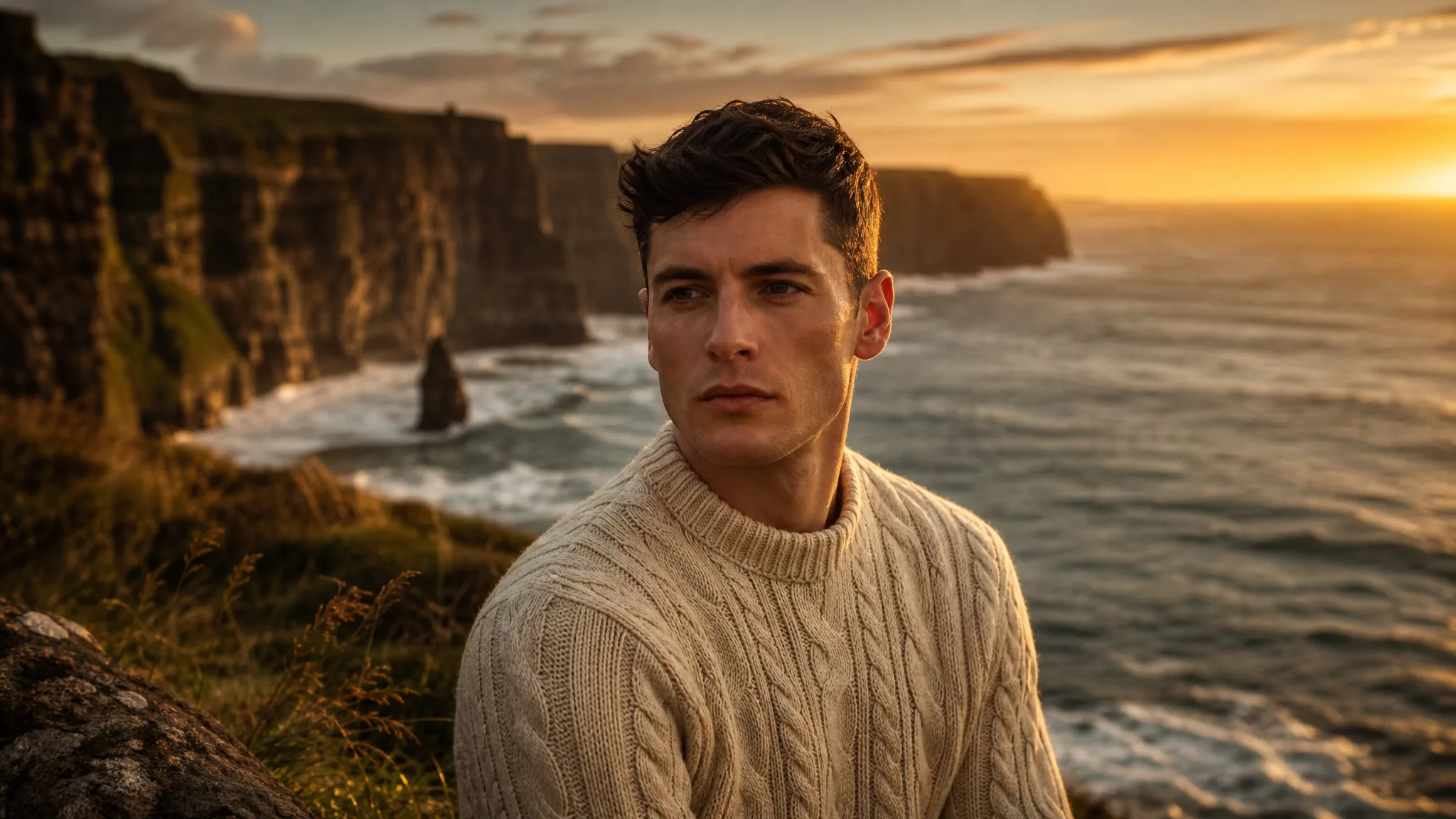
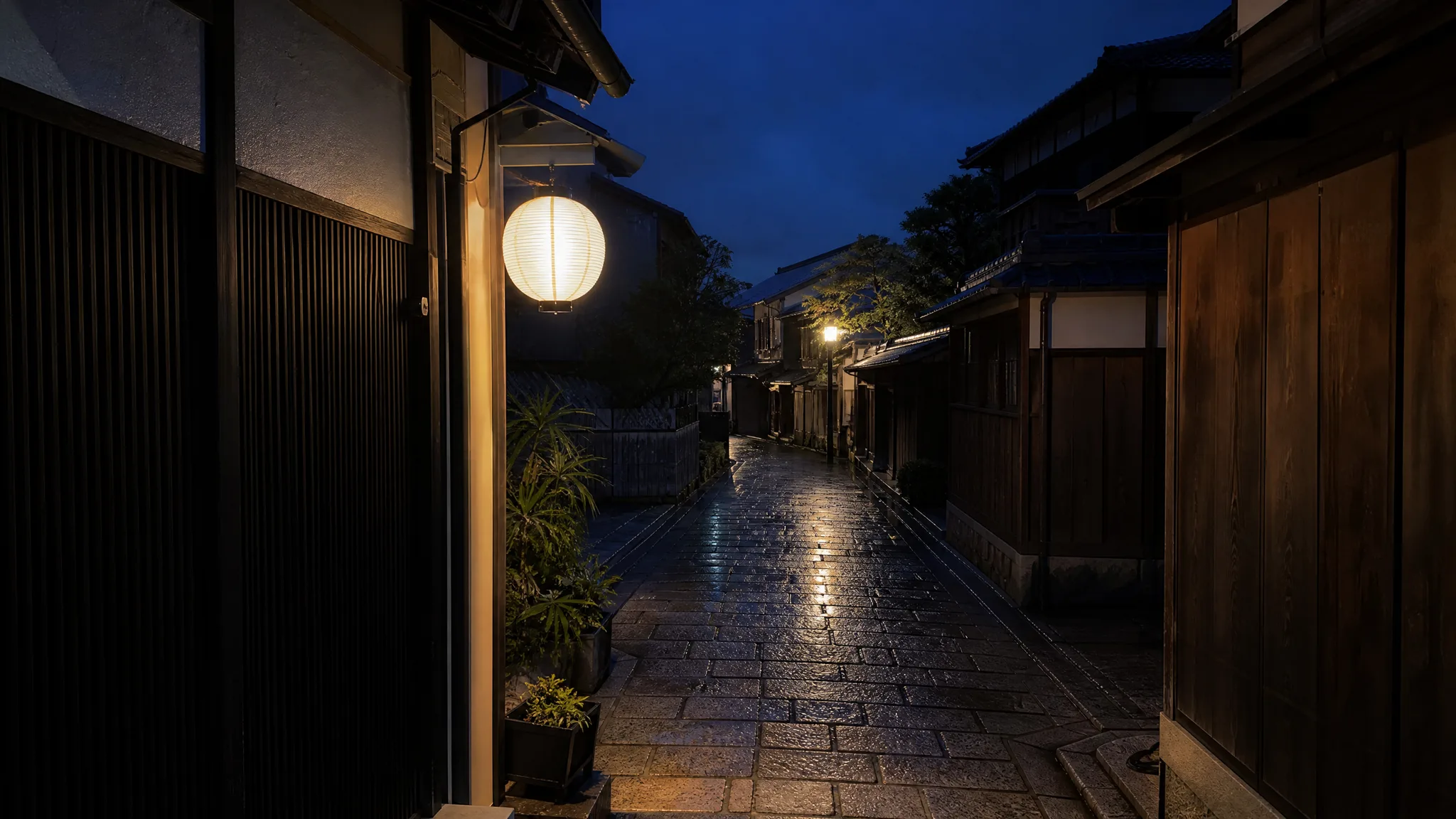
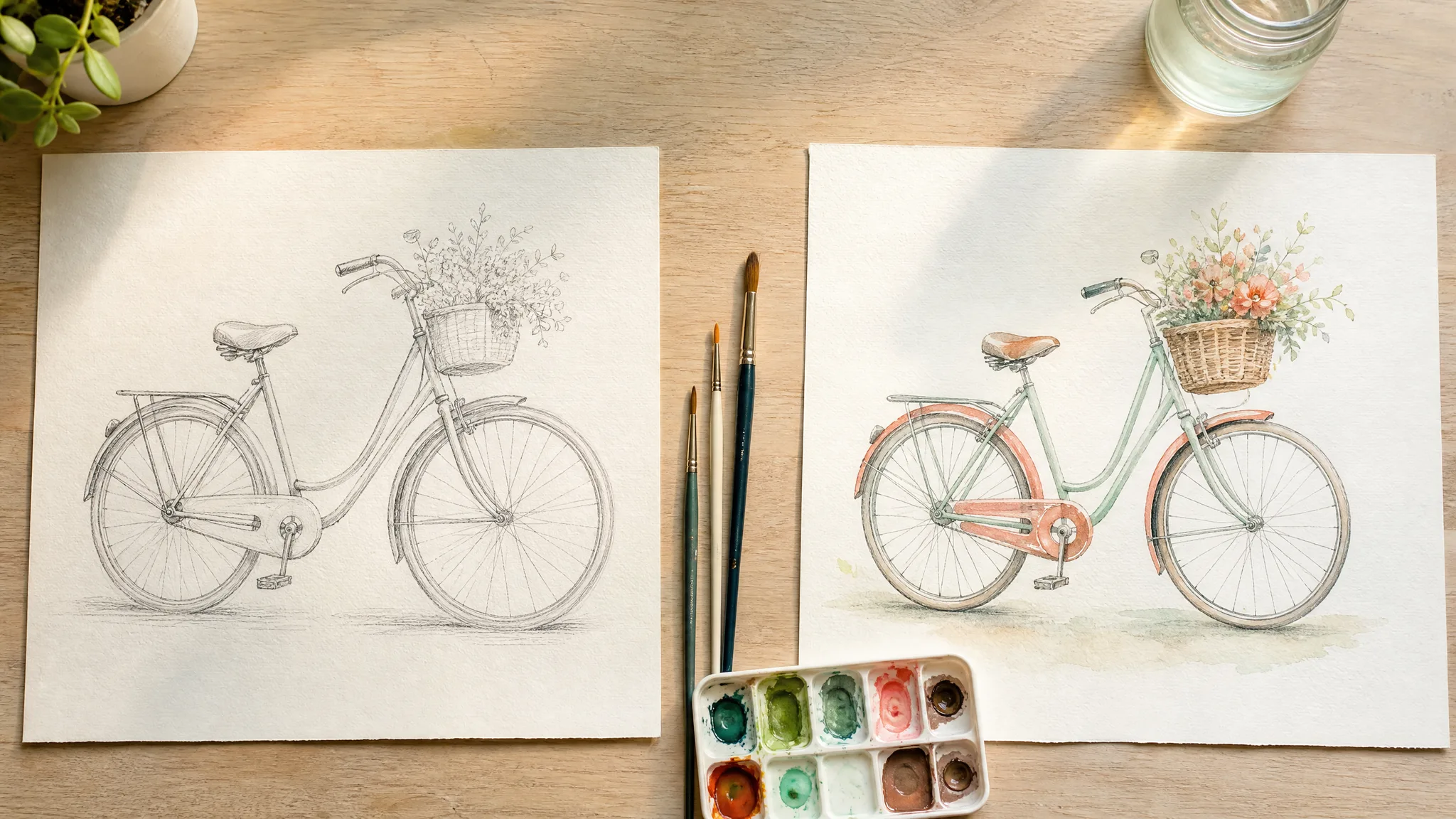
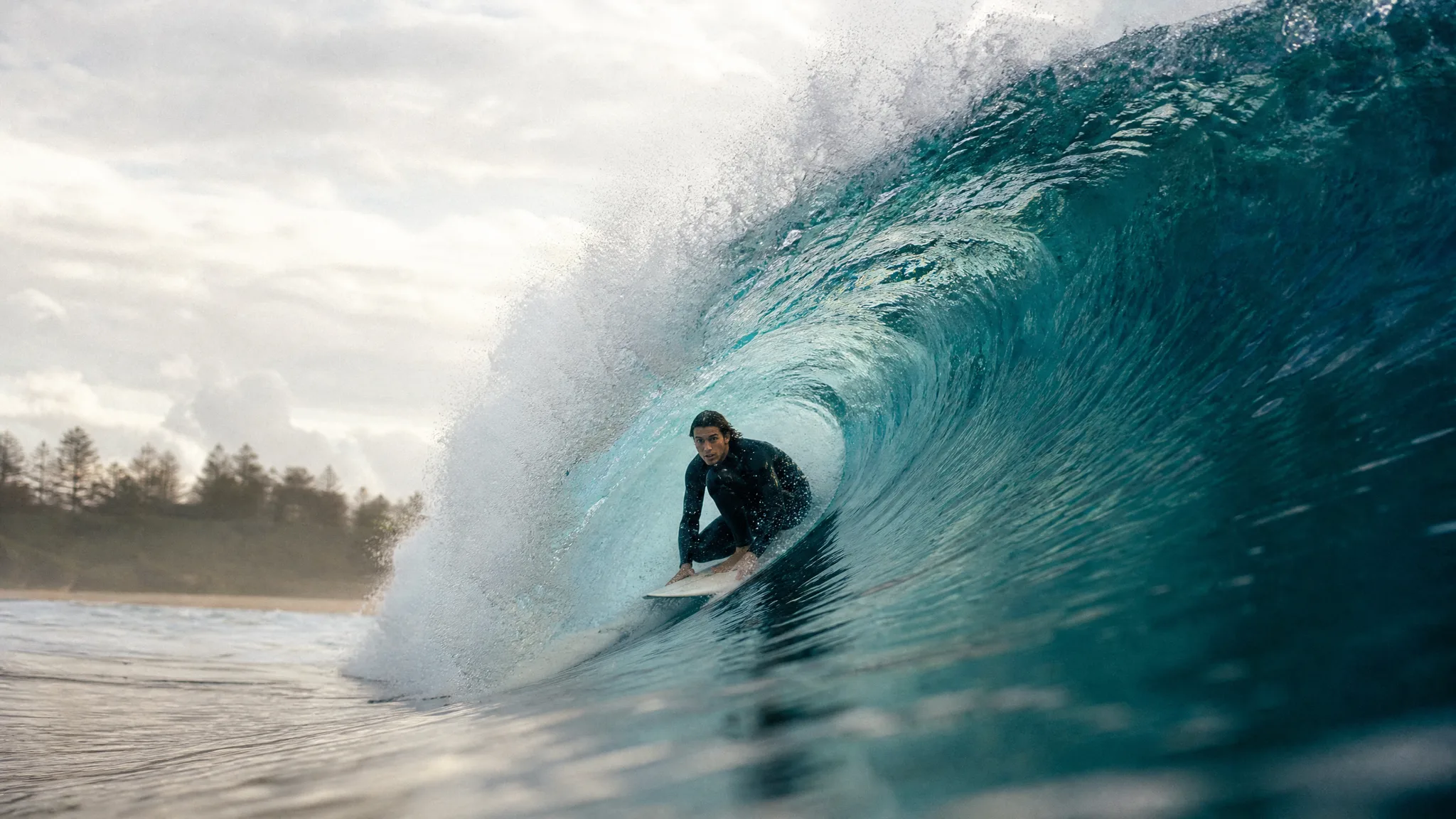
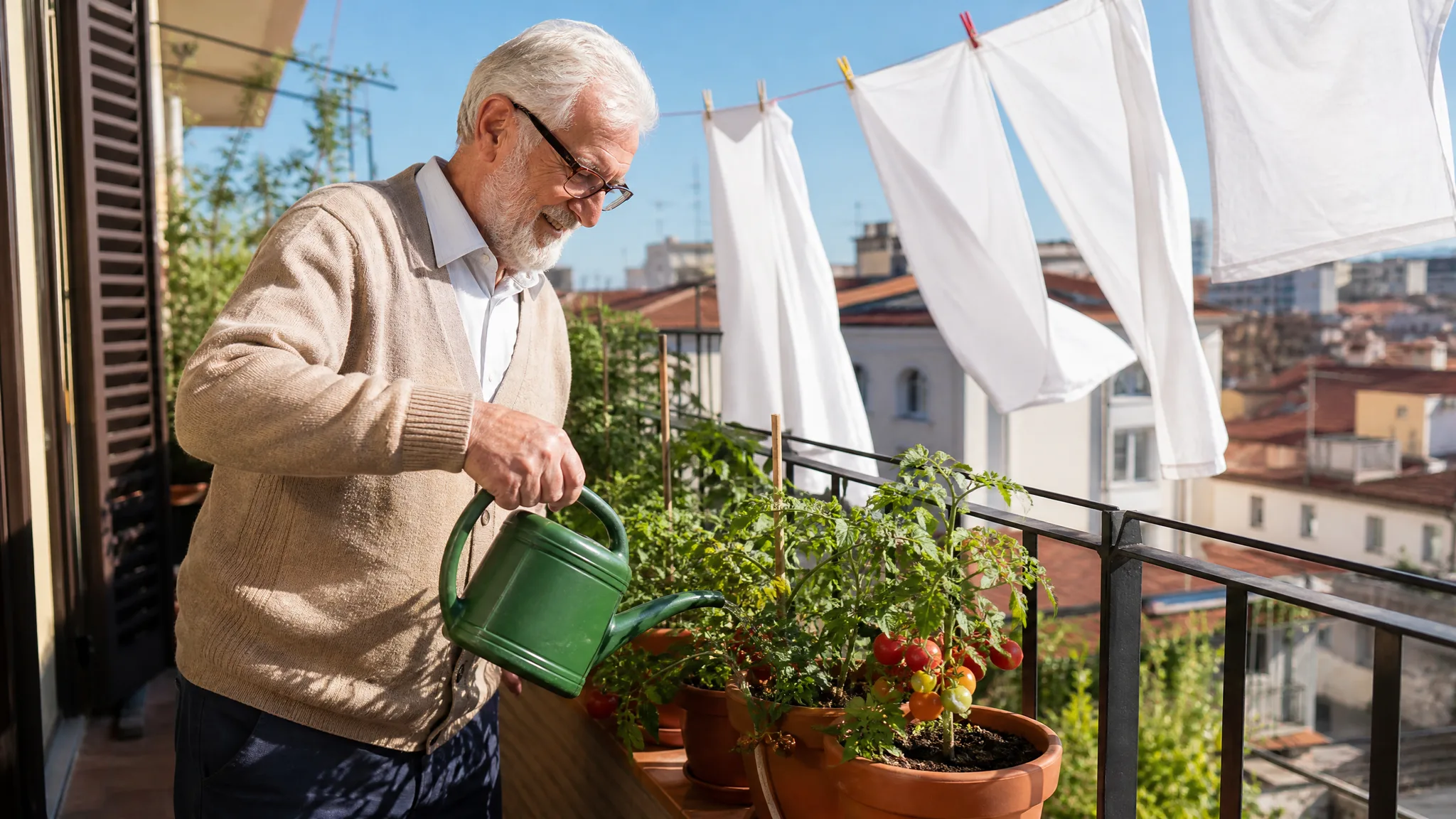
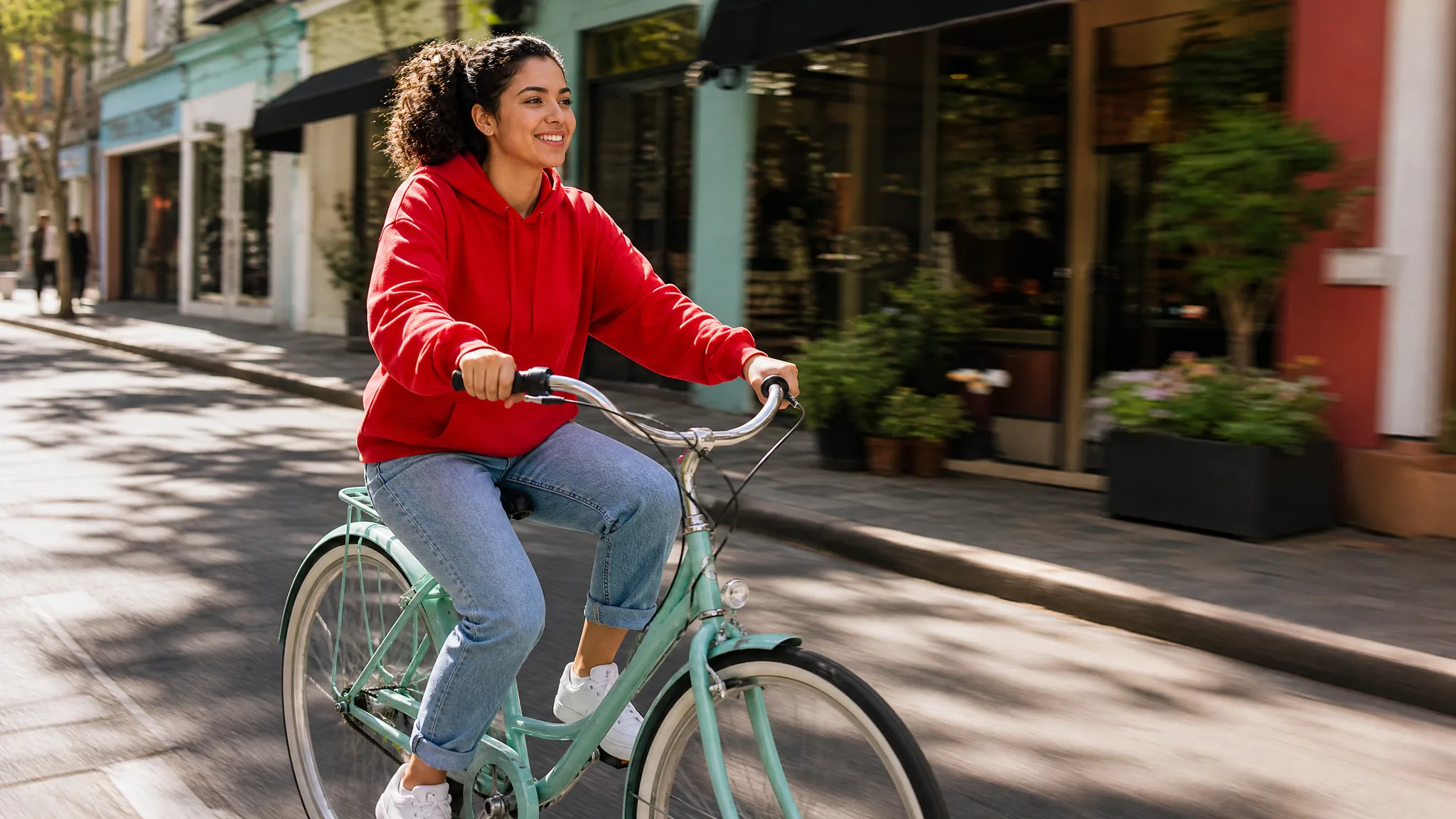
Write a short description of the subject, the setting and the mood, and get a picture for a card, a post or a mood board. Keep the frame you like and tidy small details in a follow-up edit.
Give the people, pets and places in your photos a moving moment.
Choose a ready-made scene for the people and pets in your photos: a hug, a kiss, a dance, a Halloween hat for your pet or a cartoon version of yourself.
Each tool in this AI image and video generator handles one job, from sketches and wedding photos to text prompts and picture edits.
Three steps take you from a still picture to a finished clip: pick the photo, tell the AI photo to video generator what should move, then generate and save the take you like.
Choose a portrait, a pet shot, a family print or a product picture and upload it as a JPG, PNG or WebP. One sharp subject with a little space around it gives the motion room to work, so it is the best first picture to try photo to video AI free on.
Write one short line about the action and the camera, such as a grandmother turning to smile or a dog's ears lifting in the wind. PicVideo follows that cue, and you can test photo to video AI free on the same picture with another model to see a different look.
Press Generate, watch the preview and download the version you want to keep. If the movement feels too strong or too faint, change a word in your prompt and run another take.
Start with two image ideas, then watch three stills from the AI photo to video generator pick up motion: a knight in armor, a painted anime coast and an elderly woman in her rocking chair.
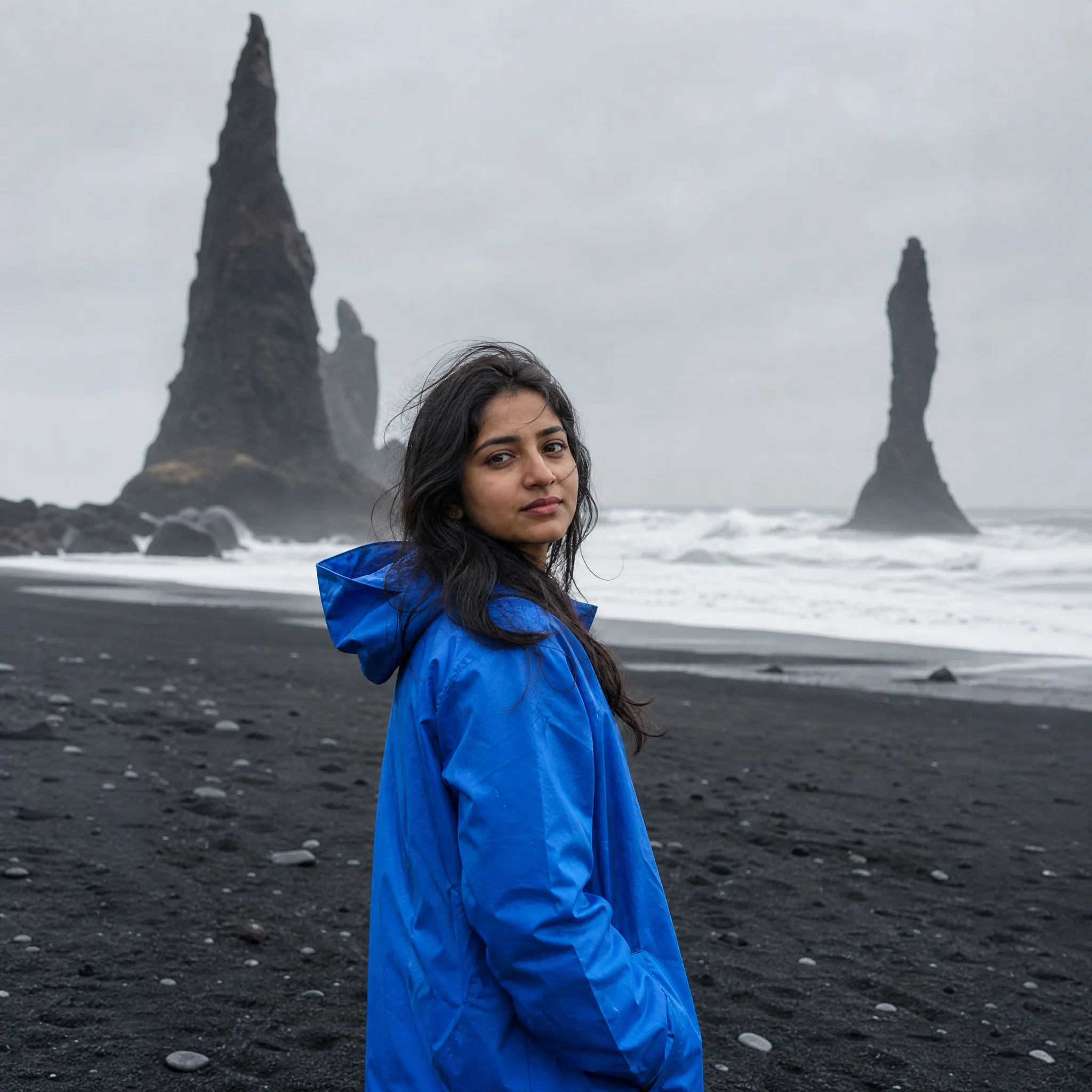
Type who is in the scene, where they are and the style you want, and get a fresh picture you can animate next.
Animate a photo, write a scene from scratch, steer a clip with references or two frames, or create and restyle pictures; each tool below opens its own workspace.
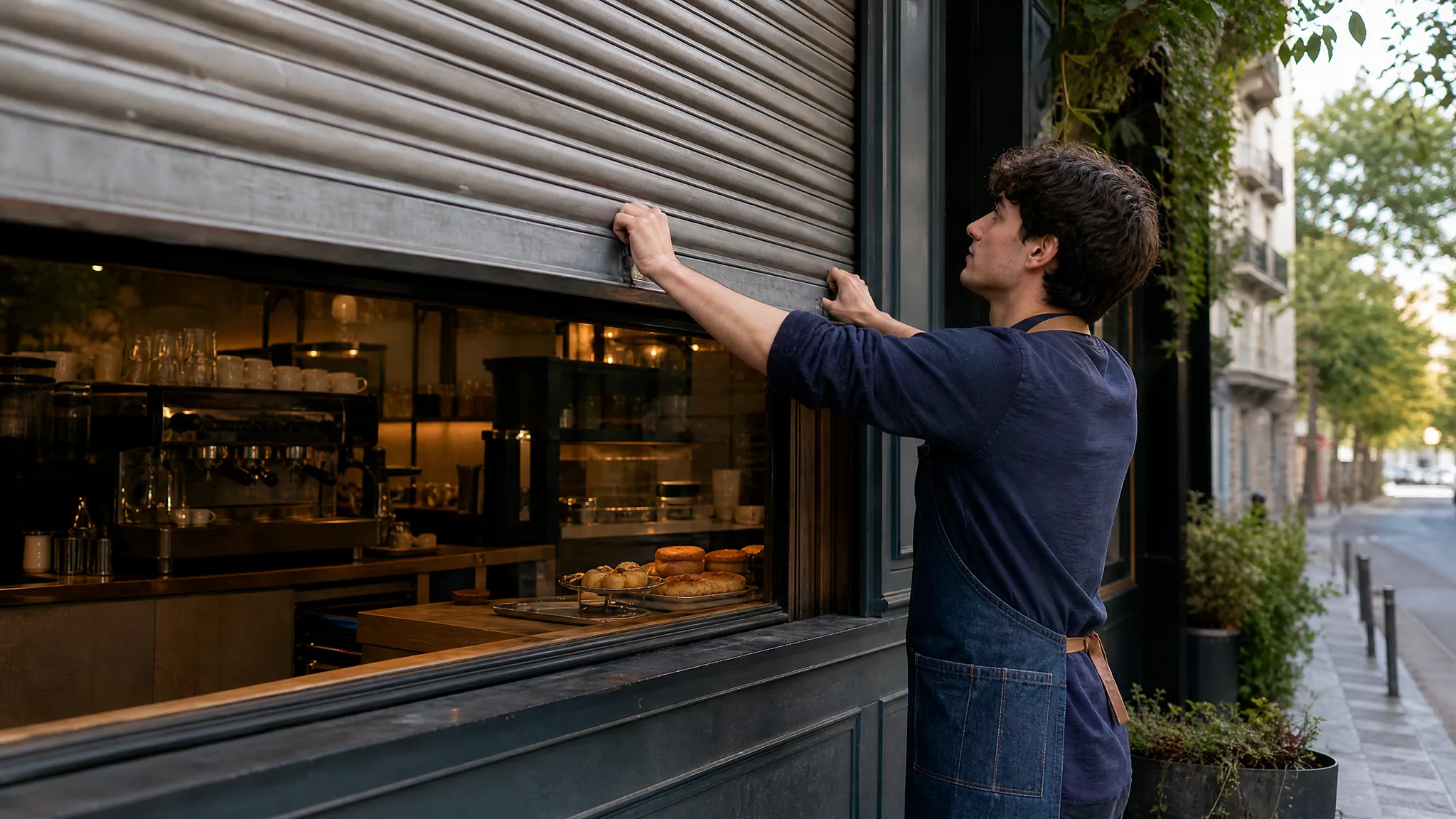
Words in, picture out
Write a short description of the subject, the setting and the mood, and get a picture for a card, a post or a mood board. Keep the frame you like and tidy small details in a follow-up edit.
Give an existing picture a new look
Upload a photo or a drawing and say what should change, such as the material, the lighting or the place. Then set the new version beside your original to see exactly what changed.
Picture a shot before anyone films it
Describe who is in the scene, what they do and where the camera sits, in one or two sentences. Use the clip to test an opening shot, a pitch idea or a storyboard frame.
Let a favorite photo keep going
A turned head, lifting hair or a slow push toward the subject can carry a photo past the moment it was taken. Name the motion you want and look closely at faces and hands before you keep a take.
Keep a face, product or style consistent
Add reference pictures of a person, a product or a look, then describe the action and the setting. Check that the result still matches your references before you download it.
Set the first and the last picture
Upload the frame a shot should open on and the one it should land on, then explain the change between them. It suits reveals, before-and-after moments and story beats.
Here is what AI photo to video, free to start, brings to a single picture: motion you direct in words, a workspace that runs in your browser and several ways to begin.
Type the movement you want, a soft smile, waves rolling in, a slow drift toward the horizon, and PicVideo builds a moving shot around it. Short, specific prompts give the clearest results, and changing one word gives you a fresh take each time you run photo to video AI free on that picture.
Open PicVideo on a laptop or a phone and run photo to video AI free online, right in your browser. Uploads and finished clips wait in your Asset Library, so a picture from yesterday is one click away today.
Make an AI video from photo input in the way your idea needs: one picture for a simple animation, two frames for a reveal, or reference images that keep a character or product looking the same.
Shop owners, bloggers, teachers, families, couples and fan artists each bring a different kind of picture to video; here is what they make with it.
Try photo to video AI free on a product photo and watch a ring catch the light, a scarf ripple on its hanger or a sneaker turn on a plinth. Use the take in a listing, an ad draft or a launch post.
Open a post with the photo that matters, a first apartment, a road-trip stop, a childhood bike, and add the moment after the shutter. Test photo to video AI free on that opening image; a few seconds of motion pulls readers into the story.
Bring an archive portrait or a class-trip photo into a lesson as a gentle moving scene. Show it next to the original print so students can talk about what the picture reveals and what it leaves out.
Send grandparents a birthday photo that waves back, or answer the group chat with a pet picture that tilts its head. Run photo to video AI free on everyday snapshots and they become replies people save.
Animate an engagement shot or a first-dance photo, with a veil lifting or string lights twinkling, and place the clip in a save-the-date or a thank-you message. Couples can try photo to video AI free on a few favorites before choosing one.
Take a character render, a cosplay photo or a piece of fan art and give it an idle loop or a dramatic turn. Share the motion test with your group or use it as a stream intro.
Every Friday I text owners a photo of their freshly groomed dog. Last month I tried photo to video AI free on a picture of a fluffy Samoyed and asked for a slow head tilt and a wagging tail. The owner watched it on repeat, then sent it to her whole family and booked her next visit before she left.
Straight answers on getting started free, photo choice, file types, prompts and phones for anyone trying photo to video AI for the first time.
There is: PicVideo gives you free credits when you sign up, so you can try photo to video AI free straight away. Check in each day for extra credits; a daily streak grows the reward up to 4x on day 7. Spend them on photo videos or AI images, then press Generate.
Upload the photo, write one line about the motion and click Generate. The AI photo to video generator reads both the picture and your words, animates faces, hair, water or the camera, and hands you a clip to preview and download.
Photos with one clear subject and good light work best for picture to video: a close portrait, a pet looking at the lens, a couple in a doorway, a product on a plain table. Group shots work too when each face is large in the frame.
You can upload JPG, PNG and WebP files for AI picture to video, including scans of old prints and screenshots from your phone. The upload box shows the size and pixel range for the model you pick, and you can crop the picture first.
Your prompt is how you steer the clip. Say who moves, how they move and what the camera does, for example "she laughs and looks away while the camera slowly pulls back", and your AI video from photo follows that direction.
You can, in two ways on PicVideo. Start and End Frames takes an opening photo and a closing one and fills in the motion between them, while Reference to Video uses several reference pictures to keep a person, outfit or product consistent in a new scene.
Photo to video AI runs in the browser on iPhone and Android, so there is no app to download. Pick a picture from your camera roll, generate the clip and save it back to your phone, ready for messages, Stories or a family group chat.
2026/07/18
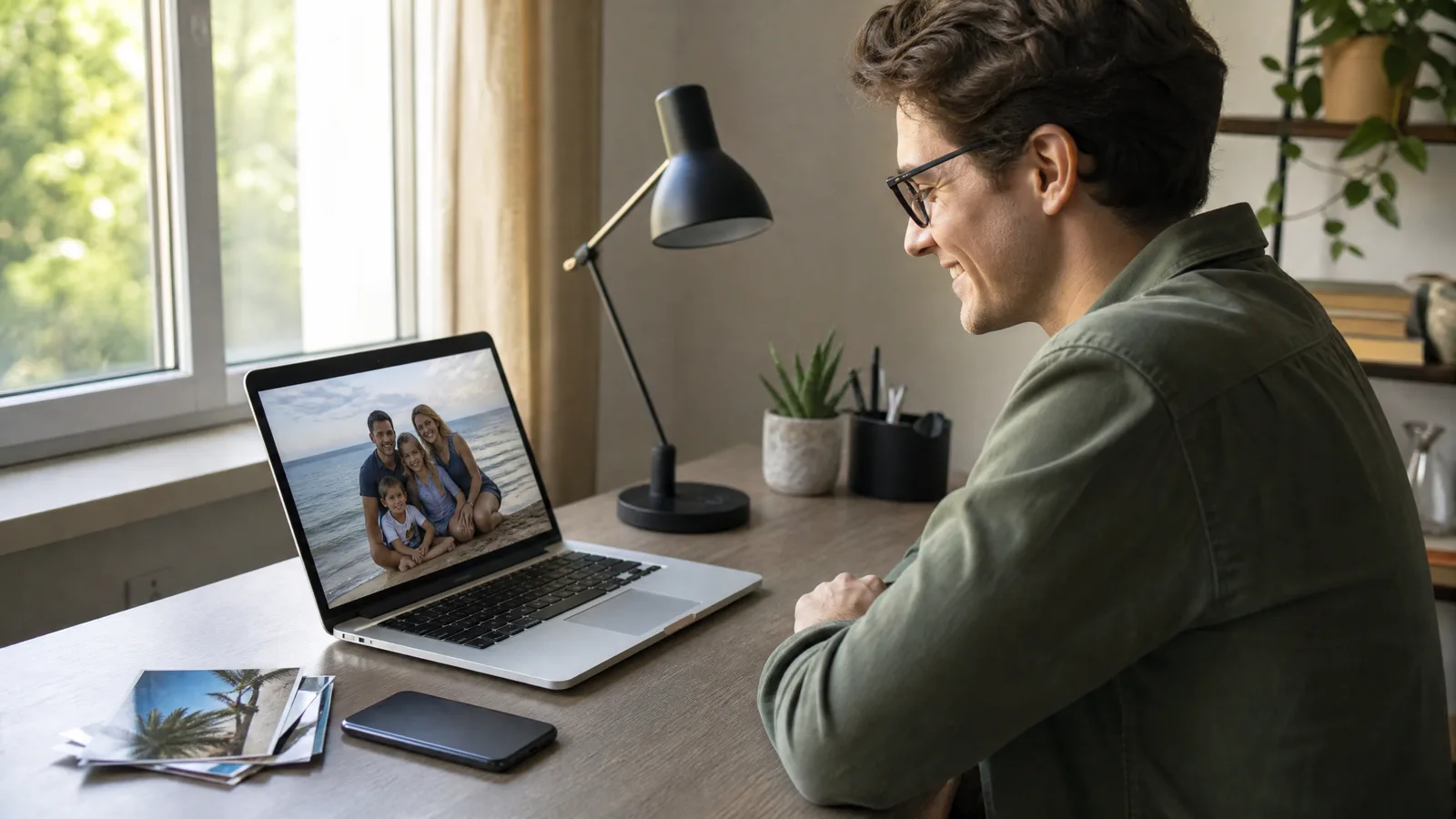
How to Make a Video Out of Photos (Free AI Guide)
How to make a video out of photos: upload one clear picture, describe a single motion, pick an AI model and download an MP4 for Reels, family or shop pages.
2026/07/18
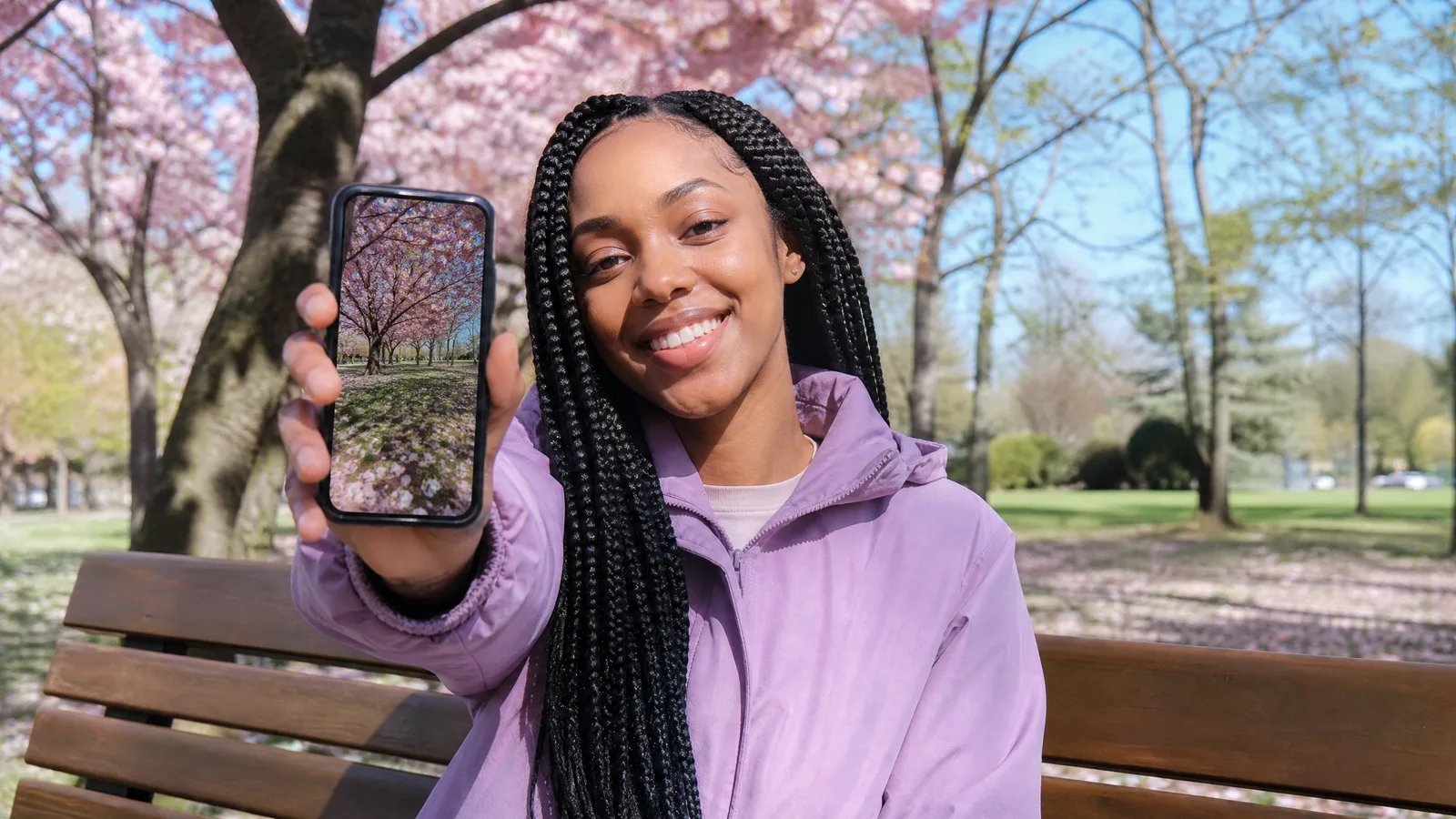
What Is Image to Video? How AI Animates a Photo (2026)
What is image to video? An AI model reads one still photo plus a motion prompt and generates a short clip. See which photos move best and how to start free.
Choose a portrait, a pet or an old print, describe how it should move and download a clip worth sharing. Sign up to try photo to video AI free; the same account creates and edits still images as well.